
A presentation opens with substituted fonts.
Font management for iPhone & iPad
Fonts that travel with your documents.
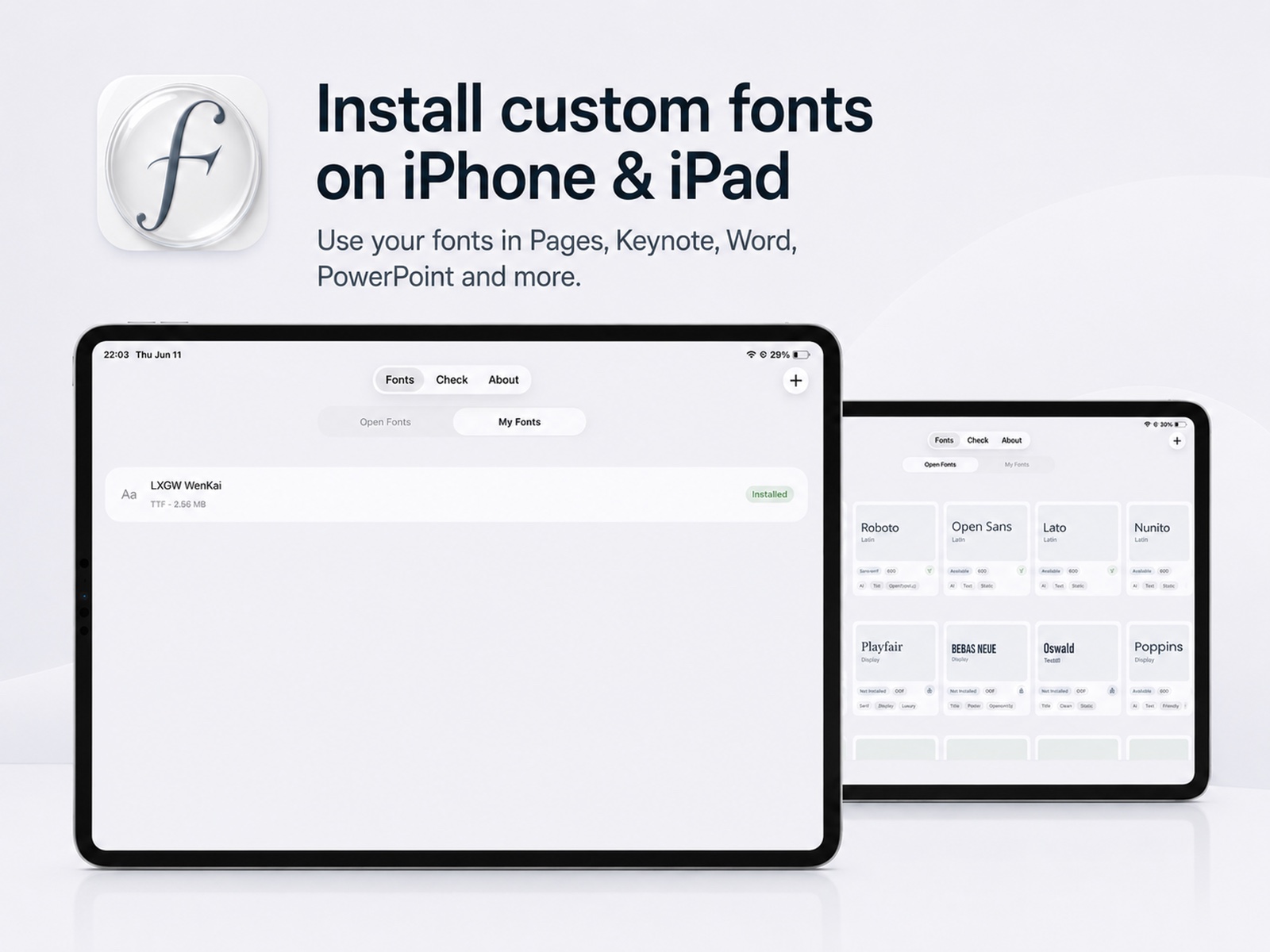
Install, inspect, and manage fonts on iPhone and iPad. Bring your own TTF, OTF, TTC, or ZIP files, check documents for missing fonts, and keep your work looking the way it should.
One purchase. No subscription. No account required.
01
Your document should not lose its voice.
Fonts are part of the document. When one is missing, the page can feel subtly — or suddenly — different.
A document looks different on iPad.
A font file is available, but installing it is confusing.
You notice a missing font only after the layout changes.
A focused toolkit
The font workflow, in one quiet place.
Install your own fonts
Import TTF, OTF, TTC, and ZIP font files and prepare them for installation on iPhone or iPad.
Check fonts before editing
Inspect supported documents to see which typefaces they use and identify possible missing fonts before the layout changes.
Use fonts where you work
Installed fonts can appear in compatible apps such as Pages, Keynote, Numbers, Word, PowerPoint, and Excel.
A focused font library
Browse a carefully organized font collection without searching through unrelated utilities.
No account
Fontbridge does not require an account to install or manage fonts.
No subscription
Pay once and use the app without a recurring subscription.
How it works
Three steps from font file to finished page.
01
Import
Import a font file or ZIP archive.
02
Install
Review the font and install the generated profile.
03
Create
Open a compatible writing, presentation, spreadsheet, or design app.
Document check
Know what is missing before the layout breaks.
Inspect a supported document to understand which typefaces it references, what is already available, and what may need attention before you start editing.
Concept only — not a real scan resultTypography review
Every page has a voice.
Avenir NextIn document
FoundSource Serif 4Ready
AvailableNeue HaasNeeds font file
MissingHelveticaReview layout
Substitute likelyCompatible workflow
Use installed fonts where iOS allows them.
Compatibility is controlled by iOS and by each individual app.
Private by design
Your fonts are yours.
No Fontbridge account is required. Font Lab processes selected files in the current browser session and does not upload them to this website. The marketing site uses no advertising trackers and Fontbridge does not sell personal data.
Read the privacy policyBring the right typeface with you.
Available for iPhone and iPad.